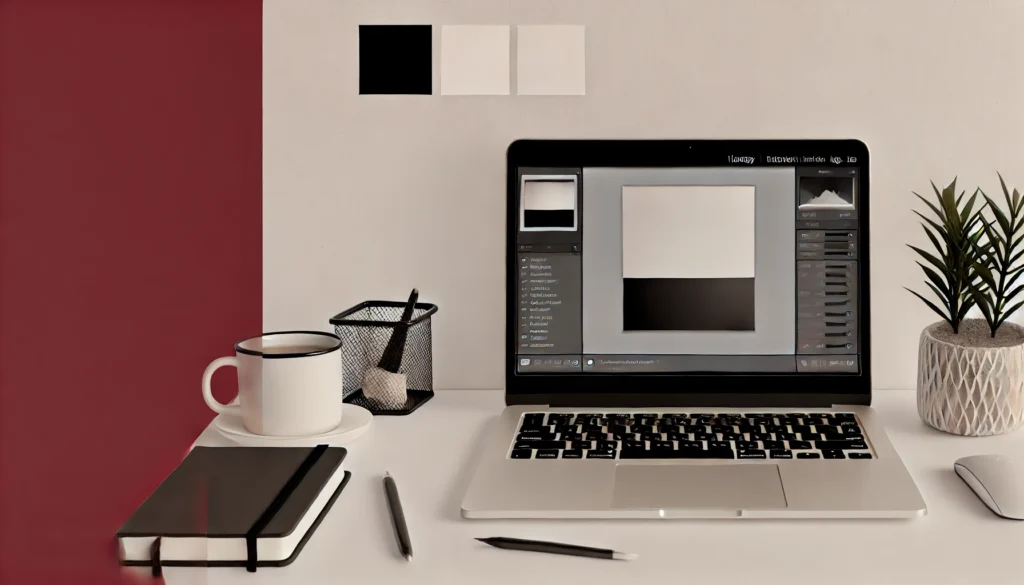
Imagine every photo you take perfectly reflecting what you want to see, whether it’s a social media post, a beautiful website, or a personal photo album. In the digital world, the power of visual content is immense, and image editors are your tools to make your images and graphics truly come to life. But which image editor should you choose, and how can you take advantage of their potential? In this article, we’ll explore the best image editors, give you practical tips for using them, and look at how they can help you in website creation and in the visual projects of your everyday life.
1. What is an image editor and why is it important in the digital world?
1.1. Basic image editing concepts: What do we mean by image editing?
Image editing is the process of modifying, enhancing, or transforming an image in various ways. Image editors allow us to edit the colors, size, and shape of images, remove or add elements, and apply a variety of other visual effects. These tools are essential for digital content creation, whether for professional or personal use.
1.2. Image editors in everyday life: In what situations are they useful?
Image editors are not only useful for professional graphic designers and web developers. They can also be used by average users to enhance images for social media, create invitations, or even retouch personal photos. Thanks to easily accessible and user-friendly programs, anyone can create professional-looking images.
1.3. The role of image editing in website creation: Why is it essential?
THE website creation Visual content is of paramount importance during the process. Properly edited images not only make the website more aesthetically pleasing, but also contribute to better user experience and SEO performance. A well-optimized image loads faster, which improves the speed and user experience of the website.
2. Overview of the most popular image editing programs
2.1. Introduction to free image editors (e.g. Canva, GIMP)
Free image editors like Canva and the GIMP, are ideal for those who don't want or can't spend money on software but still want to achieve professional results. Canva is particularly popular for its user-friendly interface and pre-made templates, while GIMP is an open-source, powerful tool with many advanced features.
2.2. Paid image editors: Advantages of Adobe Photoshop and others
Paid image editors like Adobe Photoshop and the Affinity Photo, offer features that allow users to fully customize their images. These programs provide greater flexibility, advanced tools, and professional quality that is suitable for even the most complex tasks.

2.3. Mobile image editors: How effective are they and when should they be used?
Mobile image editors like Snapseed or the Adobe Lightroom Mobile, allowing you to edit your images anywhere, anytime. While these tools are generally not as powerful as the desktop versions, they are great for quick editing tasks and instant sharing on social media.
3. How to choose the right image editor for personal and professional purposes?
3.1. When is it worth using a free image editor?
Free image editors are a great choice if you’re on a tight budget or need to perform simple tasks. Tools like Canva or GIMP allow users to quickly and easily create stunning images without any technical knowledge.
3.2. When is it recommended to opt for paid solutions?
If you need to perform more complex editing tasks, such as creating layered images, precise color corrections, or professional retouching, paid software like Adobe Photoshop is a better choice. These tools offer more options during the creative process and can pay for themselves in the long run.
3.3. Using image editors on different platforms: PC, Mac, and mobile devices
It's important to consider which platform you work on most often. While some image editors are specifically optimized for PC or Mac, others (e.g. Pixlr) are browser-based, so they can be used on any device. Image editors available on mobile devices can be convenient when you're on the go, but for complex editing tasks, desktop versions are best.
4. Tips for learning to use image editors
4.1. Online courses and tutorials for image editing
There is a wide range of online courses and tutorials available, where both beginners and advanced users can find materials that are suitable for them. For example, Udemy and the Coursera Its courses can be a great starting point for learning the basics of image editing.
4.2. Practical tips for rapid development
Regular practice is essential to become confident using image editors. Try to edit at least one image every day to continuously improve your skills. For more help, check out YouTube instructional videos that demonstrate different techniques step by step.
4.3. Community forums and groups where you can learn and ask questions
Join image editing communities, such as Reddit or the Behance groups where you can share your experiences with people with similar interests, ask questions, and get inspiration from the work of others.
5. The relationship between image editors and AI: What are the possibilities?
5.1. AI-driven image editing features: Why are they important?
AI technologies are increasingly being incorporated into image editing tools, allowing users to automatically enhance images, remove blemishes, and apply various effects. AI-powered tools like Luminar AI, speed up editing processes and allow users to achieve professional results in less time.
5.2. Examples of AI-powered image editing tools
AI-based image editing tools like Remove.bg and the Topaz Labs, automatically remove backgrounds, sharpen images, and enhance colors. These tools can be especially useful when you need to process large amounts of images quickly.
5.3. How can we use AI for creative projects?
With AI, we can take creativity to new levels, for example by creating generative art or automating image editing processes. Tools like DeepArt, allowing users to create unique works of art using artificial intelligence.
6. Using an image editor at different stages of website creation
6.1. Optimizing images for faster website loading
Image optimization is key to improving website performance. Tools like TinyPNG, help compress images without significantly degrading their quality. This improves website loading speed and provides a better user experience.
6.2. Creation of graphic elements and visual design
Image editors like Figma and the Sketch, allow you to create graphic elements and visual design elements that harmonize with the content of your website. These tools are specifically designed for web designers and offer features such as vector graphics editing or responsive design.
6.3. The impact of image editing on user experience (UX): How can we increase website efficiency?
Properly edited images contribute to improving the user experience. Harmonious placement of visual elements and optimizing it can help users navigate the website more easily and spend more time on it.
7. How can background removal be performed with image editing programs?
7.1. Best tools and techniques for background removal
Background removal is one of the most common tasks in image editing. Tools like Adobe Photoshop “Select and Mask” function or Remove.bg automatic background removal tool, allowing you to work accurately and quickly.
7.2. Tips for accurate and fast background removal
For best results, it's important to prepare your image properly before removing the background. Keep contrast and detail in mind, and use the refinement tools for even more precise results.
7.3. Automatic Background Removal with AI: When to Use It?
AI-based tools like Clipping Magic, automatically remove the background with minimal user intervention. These tools are great when you need results quickly or have to process lots of images in a short time. I use them all the time too, for images like the one can be found here.
8. Image editing programs I use: Figma, Adobe, Canva
8.1. Why did I choose these programs?
Figma, Adobe Photoshop, and Canva are all tools that allow you to efficiently perform various types of image editing tasks. Figma is especially useful for web design projects, while Adobe Photoshop offers professional image editing capabilities. Canva provides a simple, user-friendly solution for those who want to quickly create visual content.
8.2. How do I use them in my daily work?
In my daily work, I use Figma to design website sketches, while I use Photoshop for detailed editing and refining of images. I also use Canva when I need a quick graphic or social media post.
8.3. Case Studies: Presentation of specific projects where I used these tools
For one of my recent projects, I used Figma for every stage of the website design process, and Adobe Photoshop for retouching and optimizing images. I used Canva to create graphics for a social media campaign that closely matched the visual style of the website.
9. Image editor for website creation: When and what should you use?
9.1. Image editor selection guide depending on the type of project
Depending on the type of project, you may need different image editors. For example, if you’re creating a simple blog, a basic image editor like Canva might be enough. However, for a more complex e-commerce website where you need professional product images, Adobe Photoshop is more recommended.
9.2. Examples of specific projects and the tools used for them
For example, for a portfolio website, I used Figma to create the design and then Adobe Photoshop to fine-tune the images. For an e-commerce website, a combination of Photoshop and Lightroom proved to be the best for editing product images.
9.3. Image Editors in Responsive Design: How to Ensure Consistency on All Devices?
Responsive design is essential for a website to look good on all devices. Image editors like Figma and Sketch allow you to test different image sizes and formats to ensure visual elements are consistent across all platforms.
10. Statistical Overview: The Growth of Image Editing in Website Creation and Everyday Life
10.1. Statistical data on the most commonly used image editors
The use of image editors has been steadily increasing in recent years. A 2023 survey According to Adobe Photoshop, the most popular image editing software worldwide, followed by Canva and GIMP.
10.2. How has the development of image editors affected website design trends?
The advancement of image editing has allowed web designers to create increasingly complex and visually stunning websites. Tools like Figma and Sketch have revolutionized the web design process, enabling responsive and interactive design.
10.3. The growing role of image editing in social media and personal branding
Image editing has become an essential part of social media and personal branding. Platforms like Instagram and Facebook are built on visual content, so more and more users are turning to image editors to create professional-quality images and strengthen their personal or business brand.
Summary
Imagine transforming your everyday photos into masterpieces, creating the visual identity of your website, and even wowing your followers on social media with just one tool. Image editors offer you just that magic. Whether it's simple retouching or complex graphic design, tools that were previously the preserve of professionals are now available to everyone.
In this article, we've taken a look at the best photo editing programs, revealed when to choose free or paid tools, and provided tips on how anyone can become a confident photo editor. We've also learned how artificial intelligence is shaping the future of photo editing, and explored how we can make our websites and visual content more effective.
And last but not least: this article is not just a collection of words and information, but a joint creation of ChatGPT, artificial intelligence, and my creative thoughts. So, the next time you pick up an image editor, remember what wonders can be achieved when technology and creativity come together!