
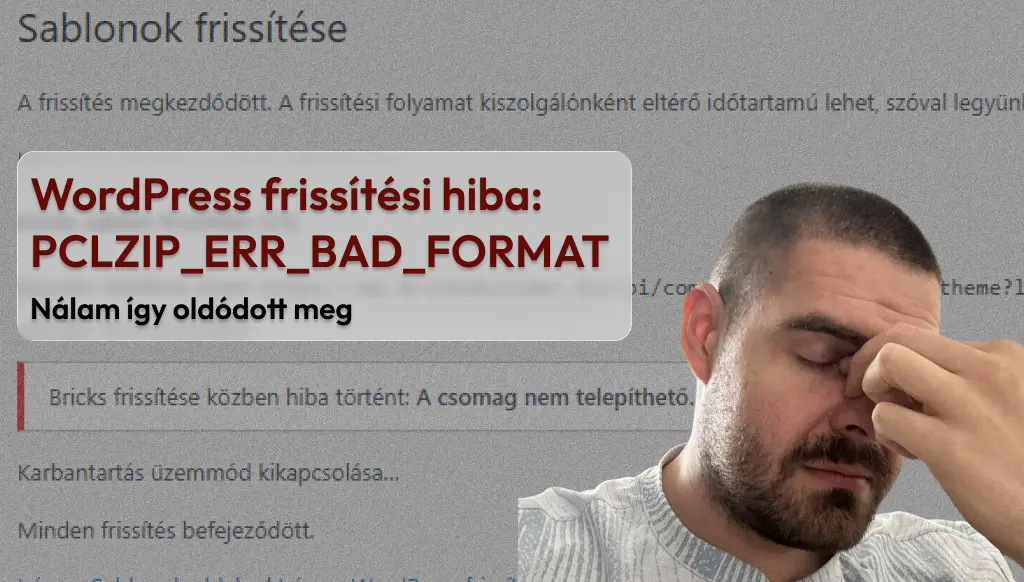
I recently encountered an error in WordPress while updating the Bricks template. The update downloaded, but stopped when unpacking, and I received this message:
An error occurred while updating Bricks: The package cannot be installed. PCLZIP_ERR_BAD_FORMAT (-10) : Unable to find End of Central Dir Record signatureIt seemed daunting at first, but luckily the solution was simple. The problem was that the server had upload_max_filesize was only 20 MB, but the Bricks installation package was larger than that. As a result, WordPress was unable to fully download the file and attempted to extract a corrupted ZIP.
Solution
In cPanel, the MultiPHP INI Editor I raised it with the help of upload_max_filesize value to 100 MB, and then the update ran without any problems.
Other reasons why this error may occur
It's not just the file size that can cause problems. If you're also getting the above error message, you might want to check these things:
- post_max_size and memory_limit should be high enough (e.g. 128M and 256M), otherwise larger updates may also get stuck.
- allow_url_fopen must be enabled on the server because the automatic update downloads the package from a remote URL.
- /wp-content/upgrade/ empty the folder - if there are remnants of aborted updates in it, it may block the next attempt.
- Manual update – if all else fails, the ZIP file downloaded from the official source can be manually uploaded to the WordPress admin interface ("Upload Template"), thus avoiding the error.
Lesson learned
This error is not unique to Bricks – it can occur with any major template or plugin if the server limits are not set correctly. So it's worth checking and increasing the following values if necessary:
upload_max_filesize– at least 64M or 100Mpost_max_size– at least 128Mmemory_limit– 256M recommended
Do you have a similar problem? Write to me and help me.k solve it!