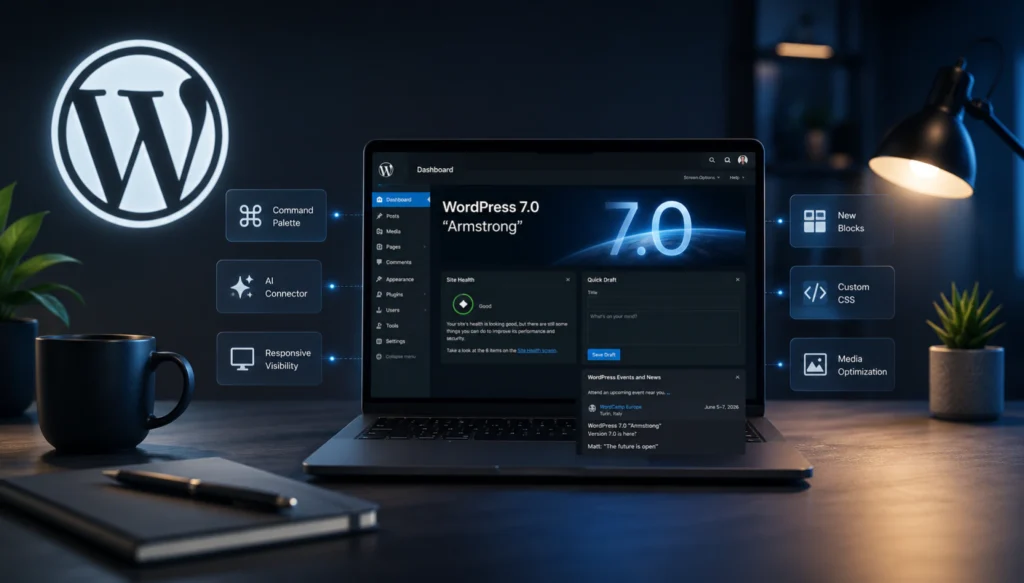
WordPress 7.0 „Armstrong” was released on May 20, 2026, and many have already upgraded. Some are regretting it. Here’s what I’ve seen in the Bricks community, Reddit, and Hungarian WordPress groups in the past 24 hours, and what I recommend for you if you’re considering upgrading now.
The short version
WordPress 7.0 „Armstrong” was released yesterday (May 20, 2026). The big headline feature, real-time collaboration (Google Docs-like collaborative editing), was removed from 7.0 and moved to 7.1. The new AI Connector is currently more of an empty shell than a finished feature: it requires a paid API key and can do almost nothing without special plugins. The unanimous opinion of the community is that it is worth waiting for 7.0.1 or 7.0.2, which usually arrive in 2-3 weeks. I have already updated my own site, and so far it works without any problems, but I will write about this in detail below, because this does not mean that you can update without hesitation.
What's new in WordPress 7.0?
First, let's take a brief look at what the update promises before we dive into whether it's worth jumping on it now.
New admin interface and faster dashboard
WordPress 7.0 comes with a refreshed admin interface: a new color palette, smoother transitions between pages, and a generally faster, „app-like” feel. This isn’t the complete admin overhaul that has long been promised, but more of a cosmetic tweak.
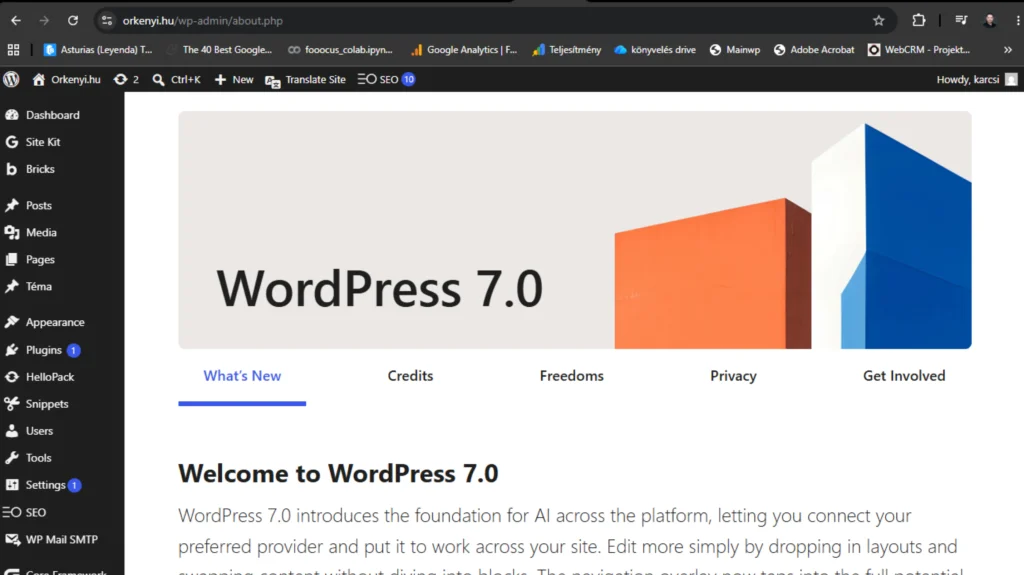
Command Palette (⌘K or Ctrl+K)
There's a new search icon at the top of the admin interface that lets you quickly navigate to any WordPress feature. It's still limited in functionality for now, but in the long run, it's going to be the "command line" for WordPress.
AI Connector, the biggest innovation
This is the most important new feature of this update: WordPress has built connectivity to AI models into the core. In the new „Connectors” menu (under Settings), you can install mini plugins to securely manage API keys for OpenAI, Anthropic Claude, and Google Gemini.
It's important to understand that this is NOT a ready-made AI feature. This is a platform that other plugins can build on in the future. Currently, if you install the official "AI Experiments" plugin, you can do alt-text generation, title generation, and the like, but it's rudimentary, requires a paid API, and is not a chat-like experience, just a one-time question.
New blocks
Tabs block: finally native tab functionality, without plugins. Icon block: basic icon library, plus SVG upload option. Breadcrumbs block: breadcrumb menu for technical SEO and navigation.
Block-level custom CSS
Until now, you could only add custom CSS to a block globally or by referencing it with a class. Now, you can write custom CSS anywhere directly in the block settings, in the sidebar. This is very useful for tweaking.
Responsive block visibility
You can now natively hide blocks in mobile, tablet or desktop view, previously this required a plugin (e.g. Block Visibility).
Client-side media processing
Images are resized in the browser before uploading. This is especially useful for beginners who don't understand image optimization, and fewer gigabyte-sized images are "accidentally" uploaded.
PHP 7.4 or higher
This is important: WordPress 7.0 requires at least PHP 7.4. If you are using an older version of PHP on your hosting, be sure to update it before updating WordPress, otherwise your site will not work.
The big disappointment: real-time collaboration is missing
The main promise of WordPress 7.0 was that we would get Google Docs-like, real-time collaborative editing in the block editor. Multiple people could edit a page at the same time, seeing who was where.
This feature has been moved to version 7.1.
The official reason is that the developers realized that the database architecture wouldn't last in production, so they'd rather rethink it than release a flawed version. This is a professionally respectable decision, but it means that the main appeal of 7.0 is practically absent.
So what's left? A cosmetic admin update, a few new blocks, and an AI framework that knows almost nothing yet.
My own test: it worked for me, but that doesn't mean it will work for you
I admit, I've already updated my own website to WordPress 7.0. And honestly? So far I don't see anything wrong with it, everything works fine, the Bricks editor opens, the save works, the AI Connector is there in the settings (even if I don't use it live).
But before you conclude, "Then I can update too," wait a moment.
My own site is a constantly maintained system. I check it every week, the plugins are up to date, the Bricks template is version compatible, the PHP version is up to date, the backup is automatic, and I know which plugin is doing what in the background. On a site like this, a major WP update rarely causes problems, precisely because we have maintained everything else.
But what if your page was last accessed months or years ago?
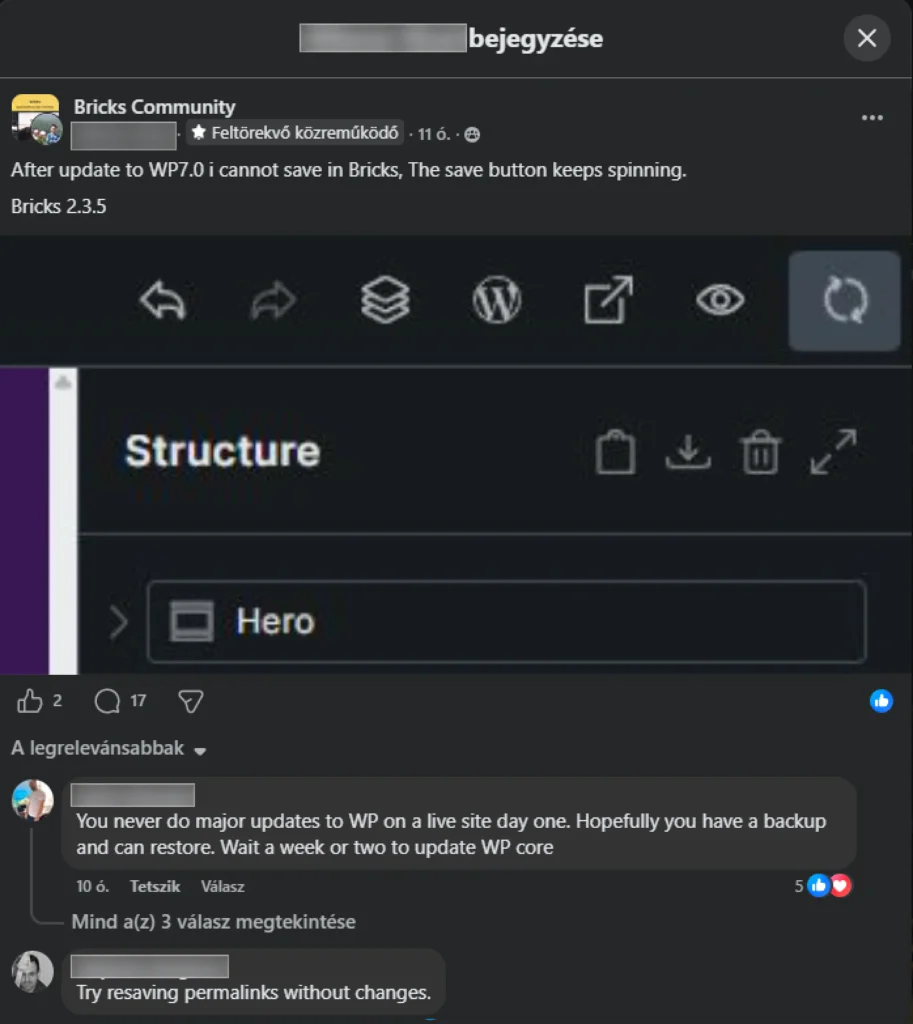
That's a whole different story. Old plugins, outdated template, maybe PHP 7.2 hosting, 30 inactive plugins in the background. A major update here can easily cause a white screen. Or the editor won't open, as happened to a member of a Hungarian development team just this morning, right before a webinar. Or the Bricks save button will start spinning endlessly, as a user wrote in the Bricks Community last night.
What I’ve seen in the last 24 hours: the latest issues
I'm not writing about these in theory, these are real errors that have been popping up in community groups since yesterday.
There are already several comments in the Bricks Community from Bricks Builder users about the save button not responding or spinning endlessly after the update. Bricks 2.3.5 is not necessarily 100% compatible with 7.0 yet.
Several posts appeared in Hungarian WordPress groups last night and this morning: "I updated and the editor won't open", "my page is white", "the layout is broken". The solution in each case: restore backup, deactivate plugins one by one.
In Reddit's r/WordPress group, 80% of the comments either say "waiting for 7.0.1" or list specific errors. Some common ones include "Not a valid JSON response" when uploading images, white screen after auto-update, AI Connector only works with paid API, custom post editor CSS not working.
The almost unanimous advice from professional WordPress developers is to wait a week or two and upgrade after 7.0.1 is released. These are not scary voices, these are experienced developers who have seen 5-10 major WordPress updates and know that 7.0.x patch versions are practically guaranteed to arrive within 2-3 weeks.
So when should I update?
Here’s the important part, which you have to decide.
If you have a maintained site (or have a developer who does it)
Test it in a staging environment first (most modern hosts offer this). Check if your template (Bricks, Elementor, GeneratePress, Astra, etc.) is officially compatible with 7.0. Check your critical plugins (WooCommerce, security plugins, cache, SEO). If everything is green, you can update, but ONLY after a backup.
If your site has been "running by itself" so far and there has been no regular maintenance
Don't update now. Wait 2-3 weeks for 7.0.1 or 7.0.2 to be released. Make a fresh backup now. Check the PHP version on your hosting (minimum 7.4, ideally 8.1+). If auto-update is enabled on your hosting, temporarily disable it.
If the update has already been done due to auto-update and there is a problem
Don't panic. If you have a backup, restore it. If you don't have a backup, try deactivating your plugins one by one (via FTP if necessary). If you still run into trouble, write to the developer, I'll help you if necessary.
What should you prepare for in the coming months?
The real value of WordPress 7.0 is not in its current state. The AI Connector is a platform, and in the coming months, dozens of plugins are expected to arrive that build on it: automatic alt-text generation, AI-driven content editing, SEO assistants, image regeneration.
What seems poor now may become a basic function in six months.
That's why you should start thinking now about whether your website is AI-friendly: well-structured content, clean texts, question-and-answer format, up-to-date product/service data. The new AI search mode (and with it the new WordPress AI features) will prefer these.
Final thought
WordPress 7.0 isn't the revolution they promised, but it's an important interim step toward it. The real big update will be 7.1, with real-time collaboration. Now we're getting a foundation.
Don't rush into updating. A well-maintained site won't be a problem, but a neglected one might. The difference isn't the WordPress version, but how much attention your website gets.
If you're not sure which category your site falls into, or if your hosting has already updated it due to auto-update and something strange is happening, let me know. I'll check what's going on.